TL;DR
- MyQ is Chamberlain Group’s smart platform, built into most LiftMaster and Chamberlain openers made after 2011. Older openers can add it via the $30–$40 myQ Smart Garage Control hub.
- The most common setup problem is 5 GHz Wi-Fi. MyQ only connects to 2.4 GHz. If setup is failing, check your router band first.
- Weak garage Wi-Fi is the second most common problem. A Wi-Fi extender placed inside the garage usually solves it if your router is on the opposite end of the house.
- Apple HomeKit requires a separate myQ Home Bridge accessory (around $80). Google and Alexa work natively through the myQ app at no extra cost.
- If the app shows the door as closed but it’s actually open (or vice versa), the sensor is the issue, not the Wi-Fi. See sensor repair and alignment for that problem.
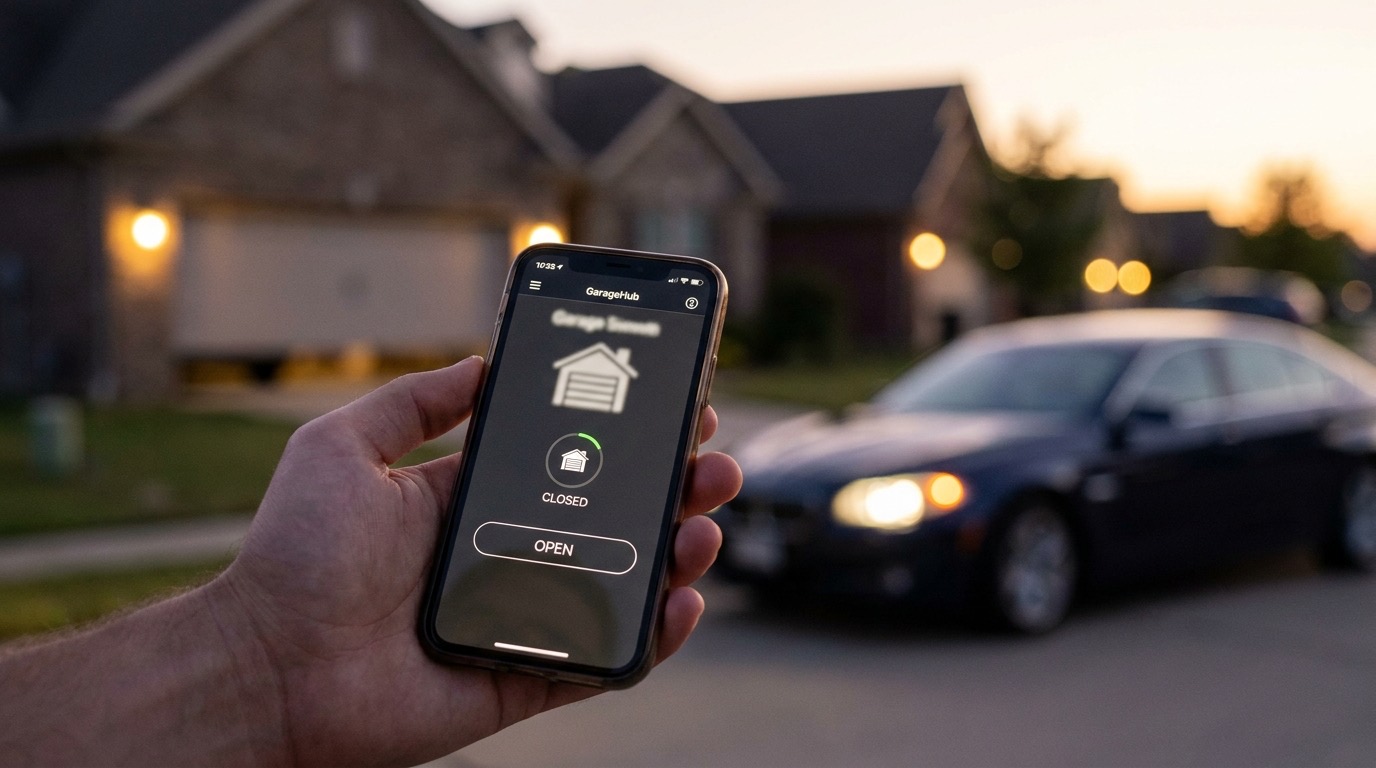
The myQ garage door opener app turns your phone into a garage remote with real-time alerts, scheduling, and remote access from anywhere. Most LiftMaster and Chamberlain openers sold in the last decade already have it. But getting it connected, keeping it connected, and knowing when the app isn’t the problem are three different things.
This guide covers all of it: what myQ is, which openers support it, step-by-step setup, the connection problems that trip people up most often, home automation integration, and how to tell when the opener itself (not the app) needs attention.
What myQ actually is
MyQ is a cloud-connected smart home platform owned by Chamberlain Group, the same company behind LiftMaster and Chamberlain. It lives in two places: the app on your phone (iOS and Android, free) and the Wi-Fi module inside (or added to) your opener.
What the app does: open/close remotely, see real-time status, get open/close alerts, set auto-close timers, share access with family or guests, and review a timestamped activity log. The app is free. A paid tier adds delivery-box integration, but most homeowners don’t need it.
Which openers have myQ built in?
Chamberlain Group’s openers generally fall into three categories:
Built-in Wi-Fi (no hub needed): Most LiftMaster and Chamberlain openers manufactured after 2019 include Wi-Fi natively. These models have the myQ logo on the box or mention “built-in Wi-Fi.” Setup goes straight from the opener to your phone, no extra hardware required.
myQ-compatible (hub required): Older LiftMaster and Chamberlain openers from roughly 2011 to 2019 used Security+ 2.0 radio protocol but didn’t include Wi-Fi. These are compatible with the myQ Smart Garage Control hub ($30–$40), which plugs into the opener’s accessory port and adds Wi-Fi connectivity.
Pre-myQ or incompatible: Openers from before 2011, or units from other brands (Genie, Craftsman, etc.), generally can’t use the myQ hub. Genie uses Aladdin Connect as its equivalent platform, and Craftsman has the AssureLink system for newer units. If you’re not sure which category your opener falls into, the myQ compatibility checker on Chamberlain’s site gives a clear yes/no by model number.
For smart garage door opener installation across San Diego, the pros in our network install built-in Wi-Fi units as the default and can verify compatibility with any existing opener.
Step-by-step Wi-Fi setup
Setup takes about 10 minutes when the Wi-Fi cooperates. Here’s the sequence:
1. Download the myQ app. iOS or Android, search “myQ” or “Chamberlain myQ.” Create a free account.
2. Add a device. Tap the ”+” icon, select “Garage Door Opener,” and follow the prompts. The app asks for your Wi-Fi network and password.
3. Select the 2.4 GHz band. This is where most setups fail. MyQ only connects to 2.4 GHz. If your router broadcasts 2.4 GHz and 5 GHz under one name, the app may try to connect on 5 GHz and fail. More on fixing this below.
4. Power-cycle the opener. Unplug it, wait 10 seconds, plug it back in. Clears any stuck connection state.
5. Complete pairing. The status light cycles: solid yellow (searching), blinking yellow (connecting), solid green or blue (connected). Sequence varies by model, so check your manual if the colors don’t match.
6. Test. The app should show “Open” or “Closed” within 60 seconds. Tap the control button to verify the door responds.
Connection problems and how to fix them
Problem: setup fails with a Wi-Fi error
Check the band first. MyQ is 2.4 GHz only. If your router broadcasts both bands under one network name, temporarily disable 5 GHz in your router settings during setup, or create a dedicated 2.4 GHz network and connect myQ to that. Some routers call this “band steering.” Disabling it for the myQ device also works.
Check signal strength. Stand at the opener and run a speed test on your phone. Under 5 Mbps means the signal is too weak to hold a stable connection. Add an extender before retrying setup.
Problem: myQ connects during setup but loses connection later
The most common cause is a garage Wi-Fi dead zone. Garage walls (especially concrete or stucco) block signal, and the opener is mounted 15–20 feet inside. A Wi-Fi extender placed inside the garage, plugged into any outlet within 15 feet of the opener, typically solves it permanently.
Problem: app shows wrong door status
If the app says the door is closed but it’s actually open, the door sensor is misaligned or failing, not the Wi-Fi. MyQ reads door position from a small magnetic sensor mounted on the door and door frame. Salt air and temperature swings in coastal San Diego neighborhoods (Coronado, Del Mar, La Jolla) corrode sensor mounts faster than inland areas. The fix is sensor realignment or replacement, not a Wi-Fi reset.
Problem: myQ hub blinks red or amber
A solid red or fast-blinking amber on the hub usually indicates a failed pairing or a power issue at the opener’s accessory port. Unplug the hub from the opener, wait 30 seconds, reconnect it, and attempt the factory reset sequence for your hub model (usually a 10-second button hold). If it continues, the accessory port on the opener may have failed.
Home automation integration
Google Assistant and Amazon Alexa both work natively. In the Google Home or Alexa app, search “myQ,” log in with your myQ credentials, and the door appears as a controllable device. Voice can close the door without a PIN, but opening requires a PIN you set in the myQ app.
Apple HomeKit requires additional hardware: the myQ Home Bridge (around $80), which bridges myQ to HomeKit. Once set up, the door appears in the Home app and responds to Siri. Google and Alexa are software-only integrations; HomeKit is the only one with a hardware cost.
Guest access works by email invitation inside the myQ app. You can set specific time windows (useful for contractors or housecleaners) and revoke access anytime. Guests never see your account credentials.
When the opener, not the app, is the problem
The app shows exactly what the opener is doing. If the app is responding but the door isn’t moving, the issue is mechanical, not Wi-Fi.
Signs the opener needs a tech:
- App shows “Opening” but the door doesn’t move. The command reached the opener. A broken spring or failed drive gear is preventing movement. Don’t keep running the motor.
- Opener light flashes a repeating pattern after a command. LiftMaster and Chamberlain use flash codes for fault states. Count the flashes and look them up in your manual.
- Door reverses immediately after starting to close. The photo-eye sensors are blocked or misaligned. See sensor repair and alignment for the fix.
- Motor runs, door doesn’t move. Usually a broken spring. Call for emergency garage door repair if the door is stuck open.
- App works but you’ve lost physical remotes. That’s a remote and keypad programming job, not a myQ issue.
Our smart wifi garage door opener guide covers platform alternatives if you’re considering switching from myQ. For mechanical issues, check the garage door opener lifespan guide to gauge whether repair or replacement makes more sense.
Frequently asked questions
Does myQ work with any garage door opener?
MyQ works with LiftMaster and Chamberlain openers from 2011 onward (via hub or built-in Wi-Fi). It doesn’t work with Genie, Craftsman older units, or other brands. Genie uses Aladdin Connect, which is a separate ecosystem with similar features.
Why does my myQ keep going offline?
The two most common causes are weak garage Wi-Fi (solve with an extender placed inside the garage near the opener) and a 5 GHz band conflict (solve by connecting to your router’s 2.4 GHz band specifically). If it disconnects only during power fluctuations, a small UPS for the opener power outlet can help in areas prone to outages.
Can I use myQ without a smartphone?
Not really. The platform is app-first. You can use a smart speaker via Google or Alexa, but there’s no web portal for routine door control. The physical wall button and remotes work independently of myQ regardless of your phone.
Is myQ secure?
MyQ uses AES-256 encryption on the cloud connection and Security+ 2.0 on the radio signal. It’s a reasonable security posture for a residential door. The bigger risk is account password reuse, so use a unique password for myQ.
If the connection issues point to a failing opener rather than a Wi-Fi problem, check the garage door opener lifespan guide and the opener installation cost guide to understand replacement options and pricing.
Opener not responding to the app or the wall button? Call Lift Pro SD at (858) 925-5546 for same-day diagnosis across all of San Diego County. The pros in our network serve La Jolla, Poway, Chula Vista, and everywhere in between.