Reset your garage door opener after an outage
After an SDG&E blip or new battery, the opener often needs a quick reset before the remote works again.
What you'll learn
- Why a quick power-cycle fixes most opener "remote not working" calls
- How to find the learn button on LiftMaster, Chamberlain, and Genie openers
- The two-second rule, hold learn, then press remote within 30 seconds
- When a reset won't help and you need a new logic board
Step by step
- Locate the opener motor mounted to the ceiling. Unplug it from the outlet for 60 seconds.
- Plug it back in. You'll hear a single click as it resets.
- Press the wall button. The door should cycle normally. If it does, your issue is solved.
- If the remote still doesn't work, reprogram it: find the small "learn" button on the back of the opener motor.
- Press and release the learn button (it will light up for 30 seconds).
- Within 30 seconds, press and hold the remote button you want to program until the opener light blinks or clicks.
- Test the remote. The door should respond.
If the opener makes a humming noise but the door doesn't move after reset, the drive gear or capacitor has likely failed. Drive-gear kits are about $45 in parts and $180–$280 installed. Not a job to skip, a failing opener will damage the door itself.
Rather have a pro handle it?
Same-day electrical service across San Diego County. A real electrician picks up.
Keep learning.
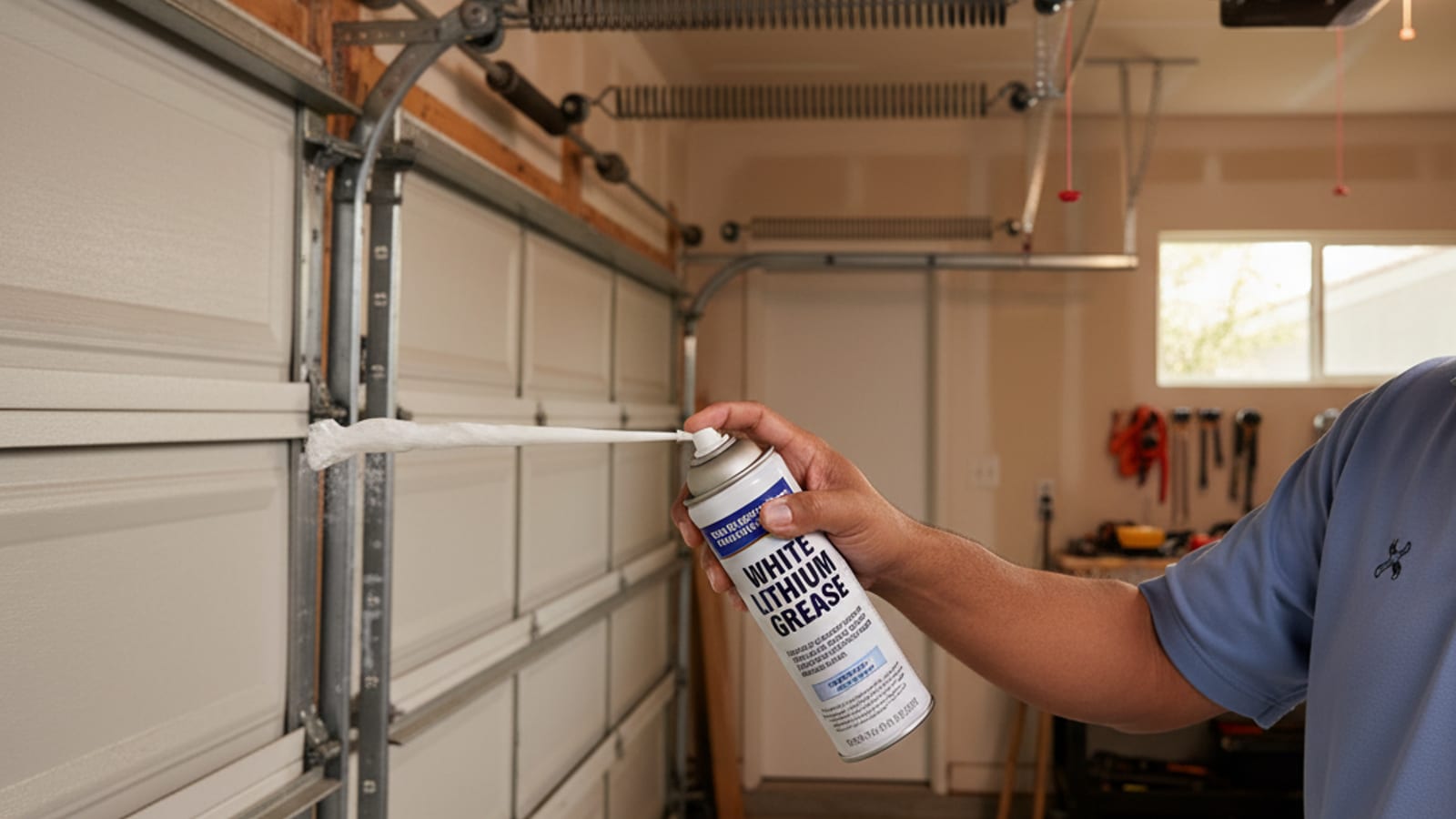
Lubricate your garage door (the right way)
Five minutes twice a year. Cuts noise, extends spring life, and keeps rollers from seizing.
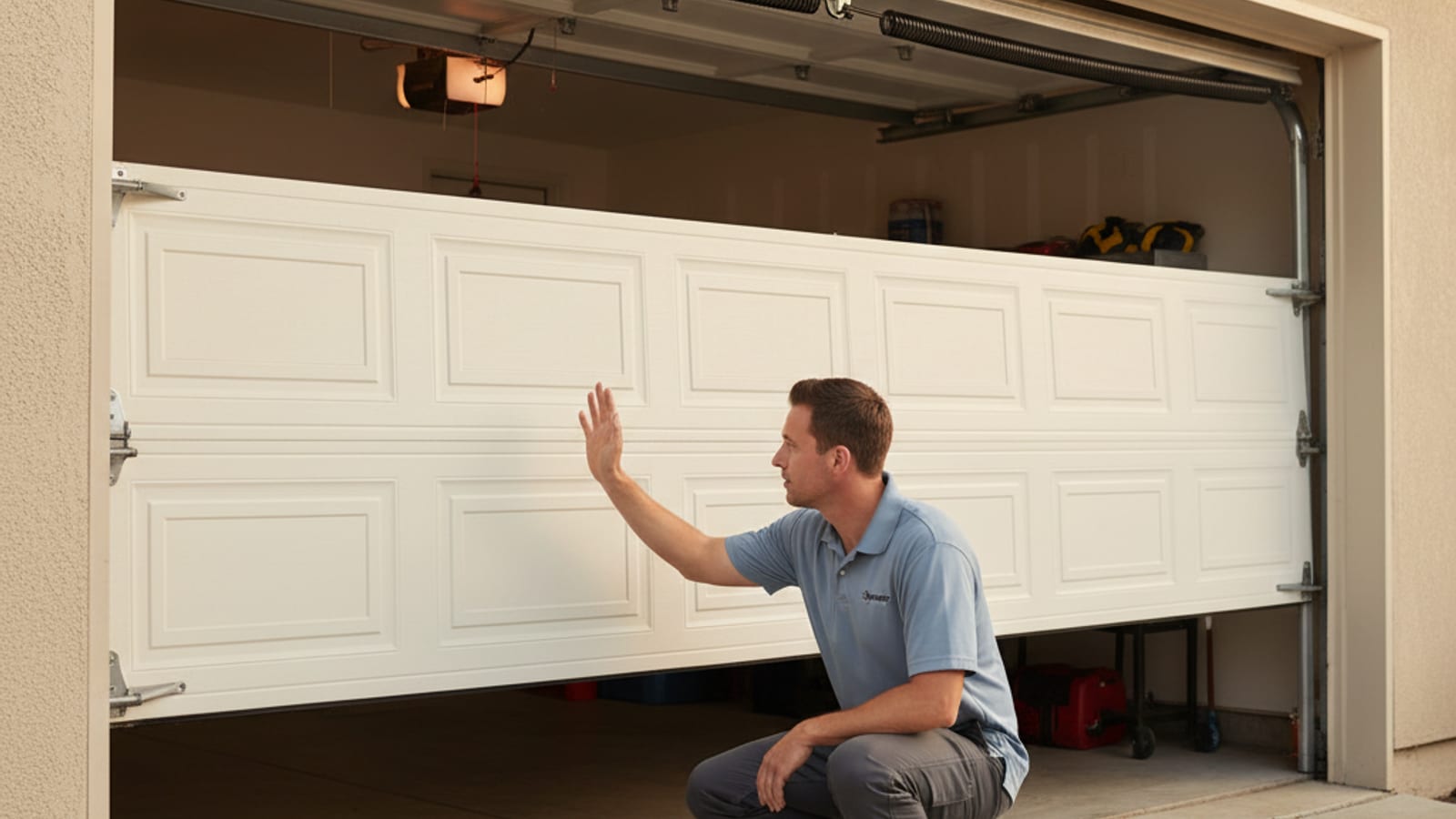
Test your garage door safety sensors (monthly)
The photo-eye sensors six inches off the ground are the only thing stopping the door from closing on a kid, pet, or car.
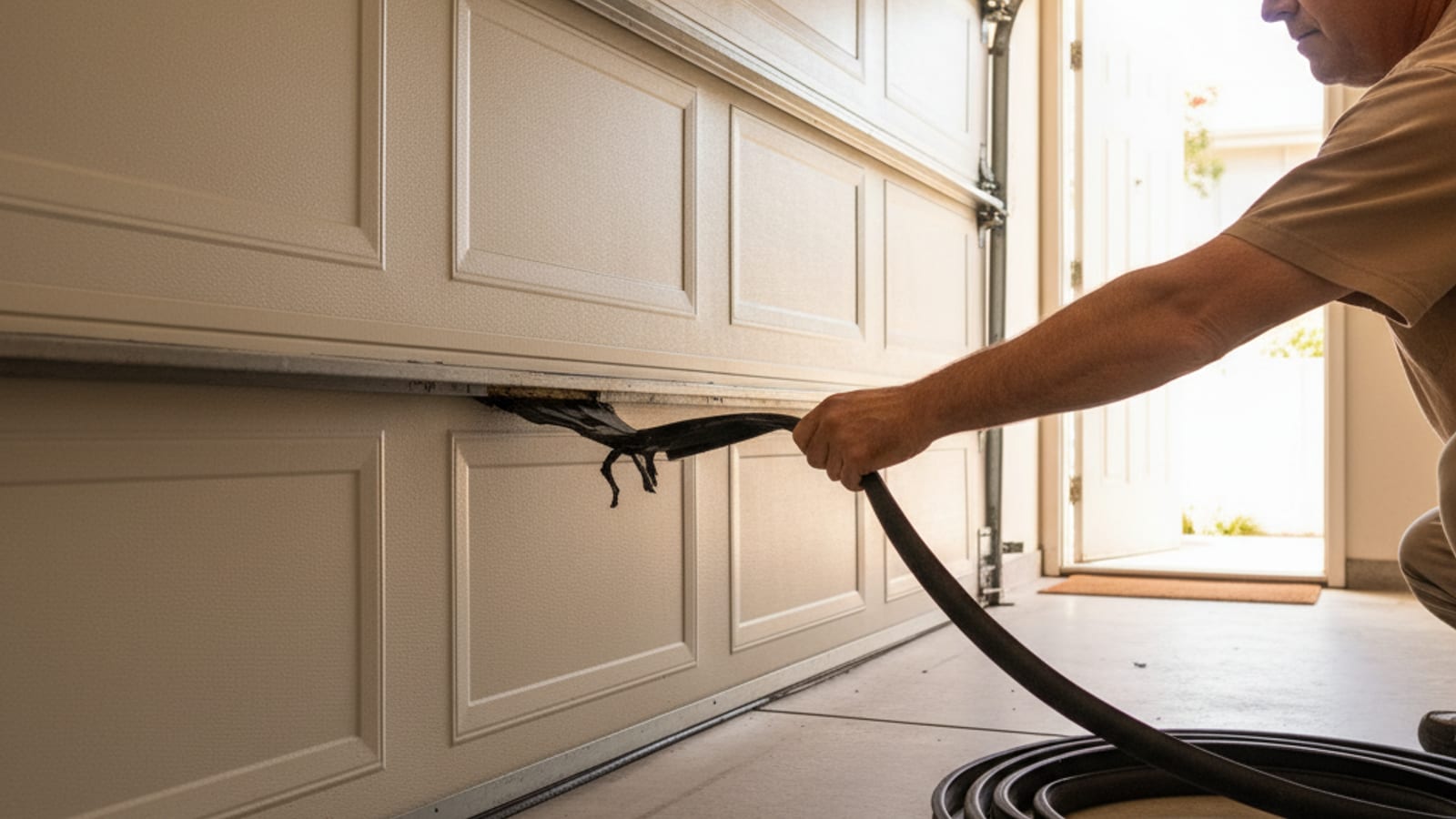
Replace the bottom weather seal
The rubber U-seal at the base stops drafts, water, rodents, and dust. Worn seals are obvious, swap in 20 minutes.